Business documents
Reports and proposals that are ready to send.
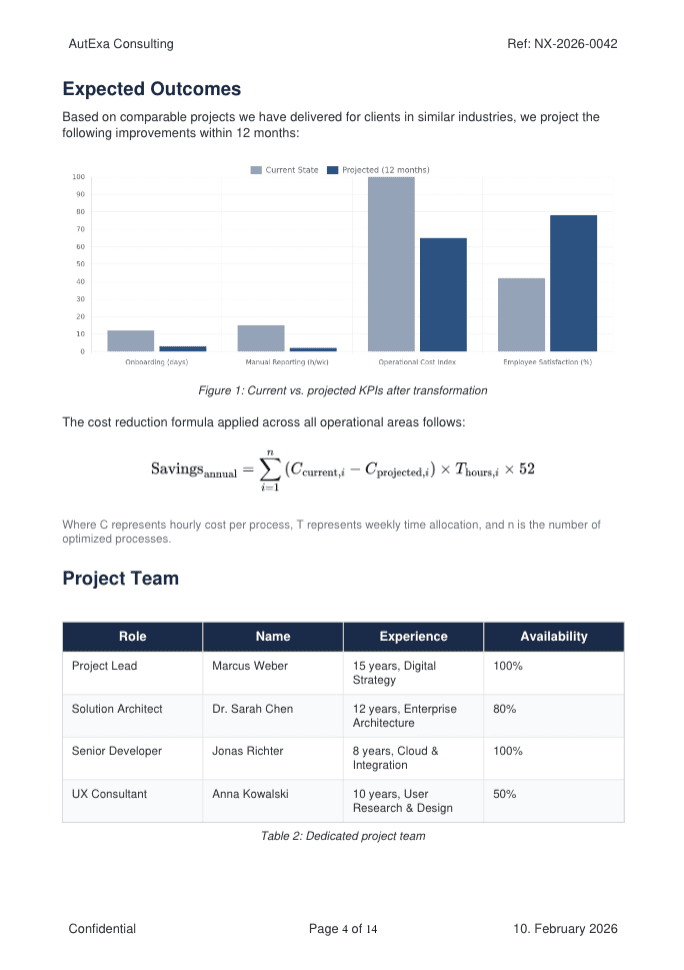
Bring narrative, metrics, charts, tables, and customer data into one polished deliverable.
ReportsProposalsExecutive briefs

Business documents, one editor
Build client reports, proposals, research papers, legal documents, and fillable forms in a familiar editor. Keep the final PDF, references, versions, and brand rules under control while you write.
14 days to test the complete editor with your own document.
Built for documents that matter
Autype is for work with structure, evidence, brand rules, legal language, or input fields. These are the details ordinary writing tools make you manage by hand.
Bring narrative, metrics, charts, tables, and customer data into one polished deliverable.
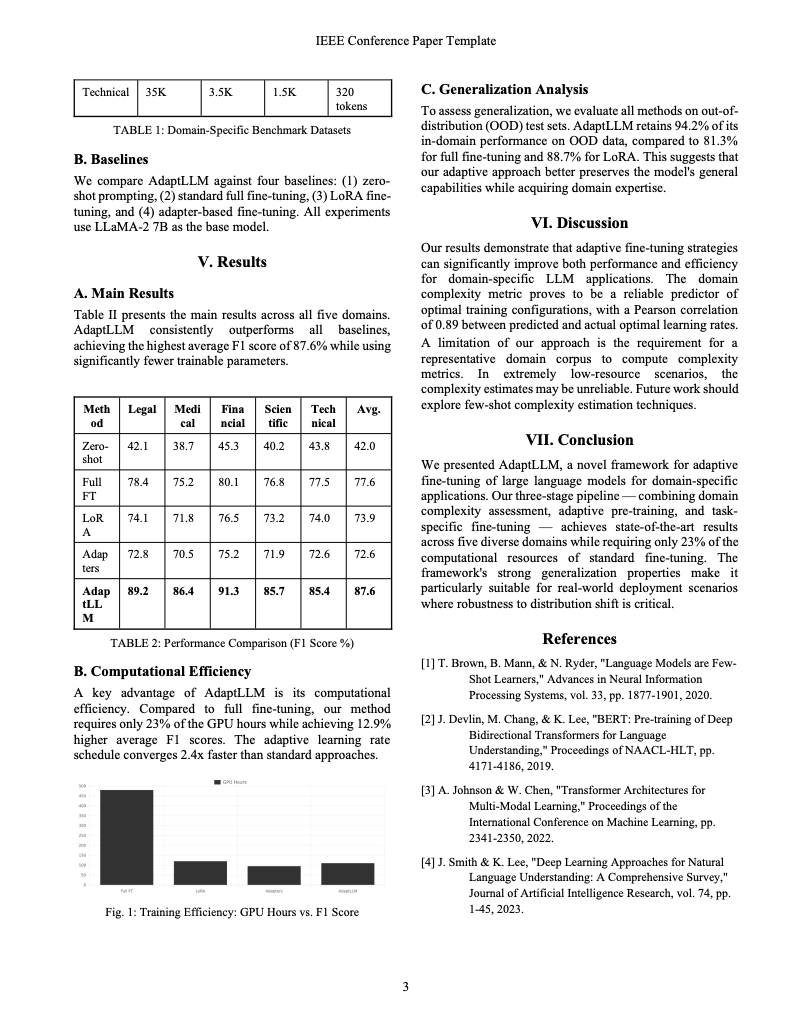
Write papers with citations, bibliographies, equations, figures, tables, and publication-ready layouts.
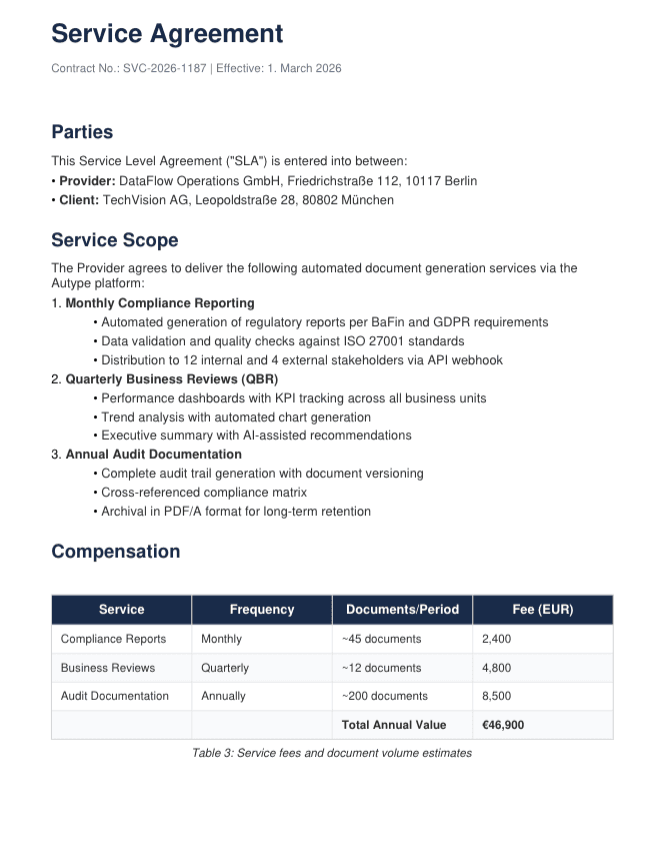
Create contracts, policies, agreements, and fillable PDFs without separating content from layout.
A serious editor without a steep learning curve
Most people can stay in Rich Text. Markdown is there when syntax is faster, and JSON exposes the complete structure for advanced control. Switching views does not create another file.
Version history you can actually use
Important documents evolve through feedback, policy changes, and last-minute edits. Autype keeps that history useful instead of turning it into another folder of final-final copies.
Research and long-form documents
Autype treats citations, captions, cross-references, indexes, equations, and bibliographies as connected document parts. Reorder the paper and the supporting structure can follow.
Research paper
The observed trend remains consistent across model sizes (Brown et al., 2020). The efficiency shift is summarized in Figure 2.
Headings, figures, tables, and citations keep stable targets.
Equations, code blocks, diagrams, and multi-column layouts belong in the same source.
[1] T. Brown et al. (2020). Language Models are Few-Shot Learners.
A real document design system
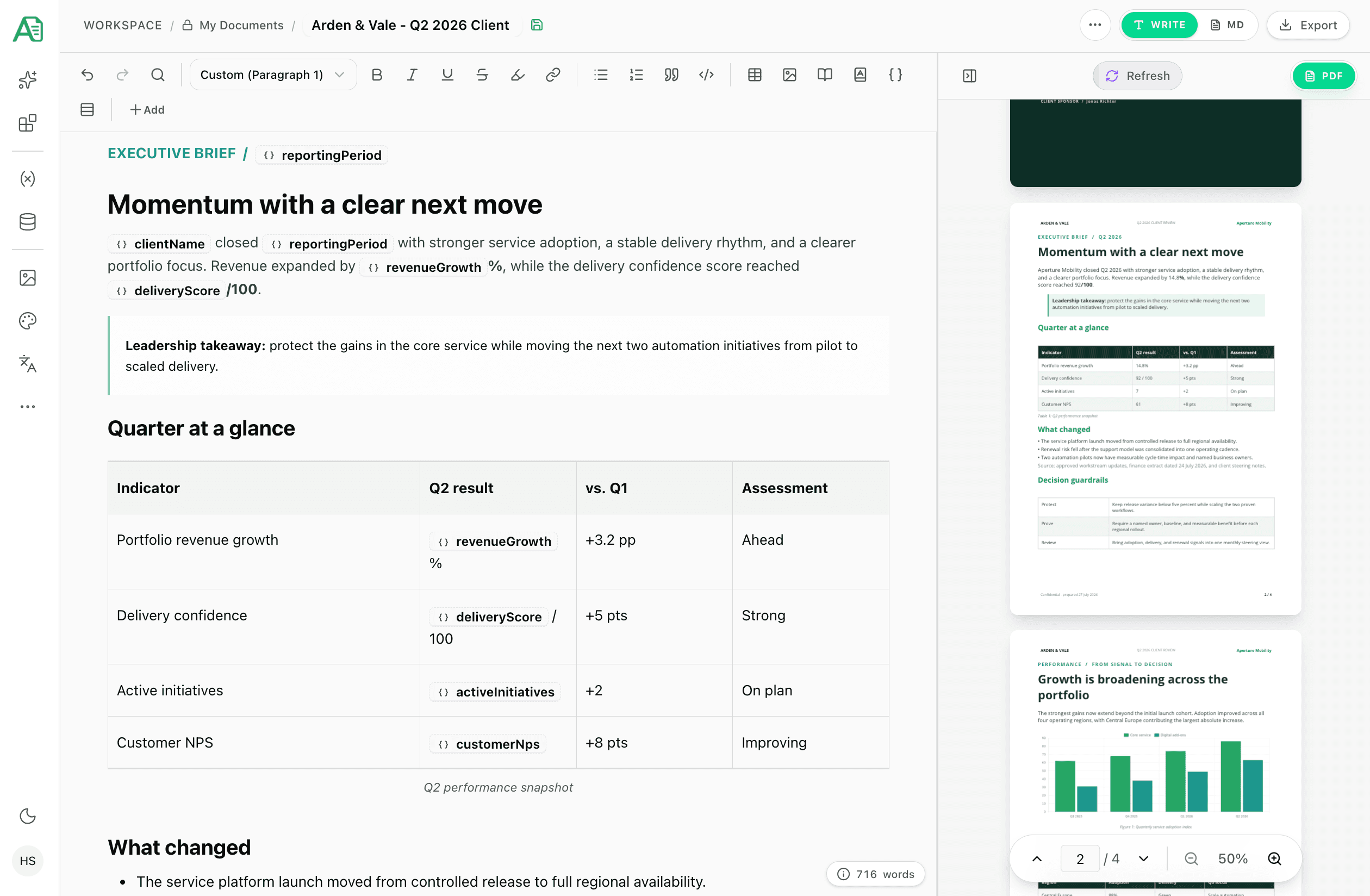
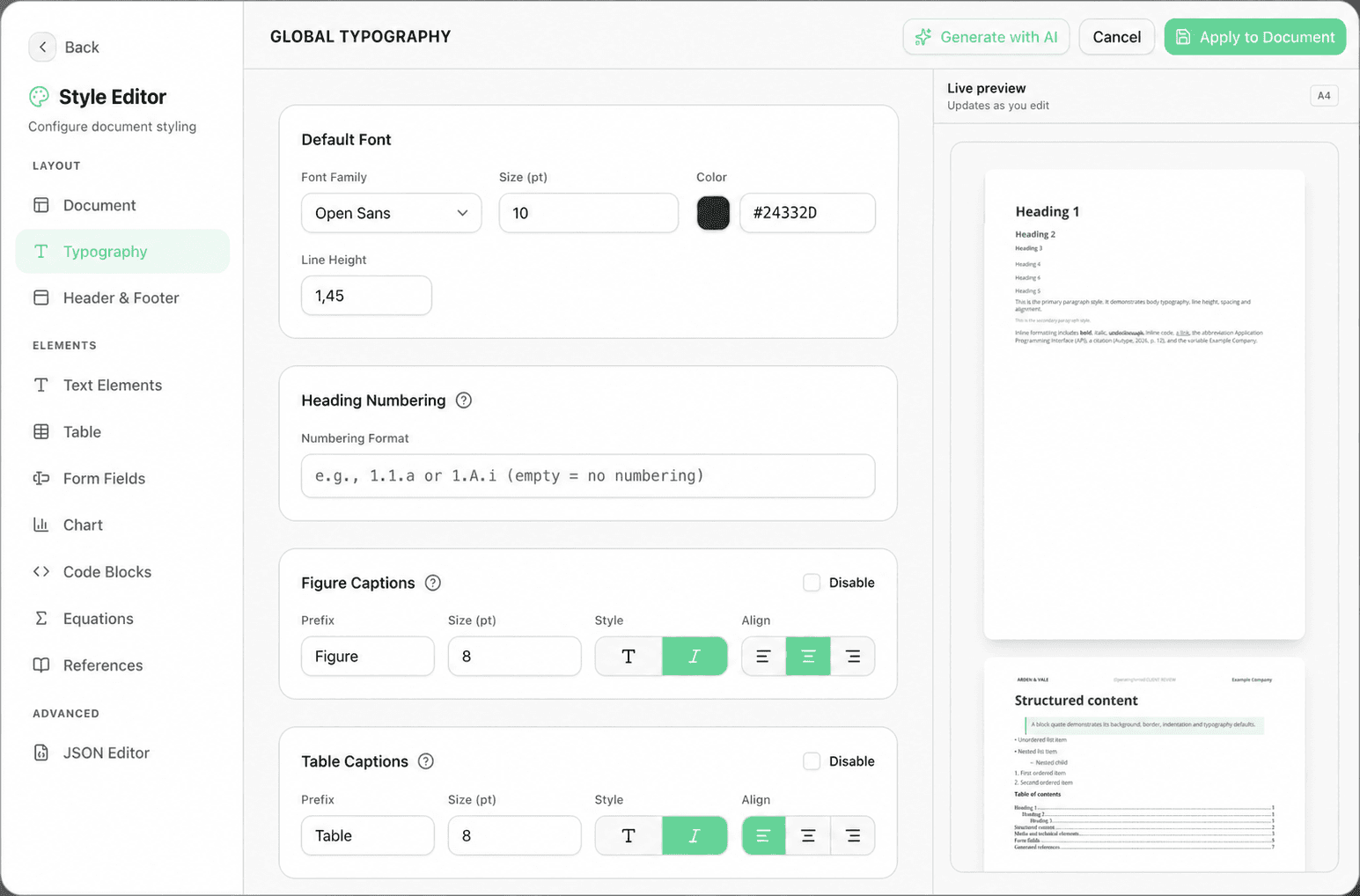
Set the design rules once, or start from a template, then write. Autype applies typography, numbering, captions, tables, headers, footers, spacing, and page behavior consistently while the live preview shows the final result.
Typography and spacing stay coherent across the document.
Give tables, captions, charts, and references their own defaults.
Build headers and footers with text, variables, rich content, or images.
Global type, numbering, and caption rules
More than formatted text
Connect approved content, place real form fields, and let data change without rebuilding the design. These are editor controls, not another handoff to a separate product.
Choose whether inserted content should stay connected or become independent.
Use the current approved wording everywhere this block appears.
Start from the approved block, then adapt this document independently.
Position the interaction where the surrounding content gives it meaning.
Replace customer names, dates, metrics, images, lists, or tables while the layout remains intact.
Keep a block linked to its approved source, or insert an independent copy when the document needs to diverge.
Place text, choice, date, and signature fields directly in the PDF layout recipients will use.
From existing file to dependable delivery
Import an existing document, keep one structured source, and choose an editable, archival, accessible, or image output without rebuilding the content or layout.
 Autype
Autype checks the source before export and gives you profiles for everyday sharing, long-term records, and accessible delivery.
Application and document data stay in EU regions. Readiness checks cover metadata and document structure before export.
Editor questions
The practical details behind writing, versioning, research, import, collaboration, and final delivery.
No. Rich Text is the default editing experience. Markdown and JSON are optional views for people who want faster syntax, deeper structure or automation.
Autype is designed for structured business documents, reports, proposals, research papers, literature work, contracts, policies, technical documents, and fillable forms. It is especially useful when layout, references, data, or repeatability matter.
Yes. Autype keeps automatic and named versions. You can compare an earlier version with the current document in Markdown or JSON and restore it. The current state is saved before restoration.
Yes. Manage citations, import BibTeX or CSL-JSON, look up sources by DOI or ISBN, choose from seven citation styles, and generate a bibliography from the sources used in the document.
Yes. Autype can bring PDF and DOCX files into a structured workflow, alongside Markdown and JSON. Complex source files may still need a cleanup pass before they become reusable templates.
They can draft content, but stable versions, references, styles, data, and repeatable output need a document system around the model. Connect ChatGPT or Claude to Autype and they can work inside that controlled structure. See how Autype works with AI.
Variables replace individual values such as a customer name, date, image, list, or table. Reusable blocks insert complete sections either as a live reference to the approved source or as an independent snapshot.
Yes. Place text, choice, date, and signature fields directly in the document and deliver them in the designed PDF. Autype also publishes PDF, PDF/A, PDF/UA, DOCX, ODT, PNG, and structured JSON output.
Write visually, keep every version recoverable, and see the finished pages before anyone else does.
14 days to test the complete editor with your own document.