n8n
Build self-hosted document workflows with 40+ Autype operations.

Document automation for code, no-code, and AI
Connect n8n, Make, your application, or an AI agent. Autype turns structured content into polished PDF, PDF/A, PDF/UA, DOCX, ODT, and image output. It also handles the PDF work around it.
Use no-code for speed, REST for direct control, or MCP for agent workflows.
Customer, pricing, and offer data are ready in the CRM.
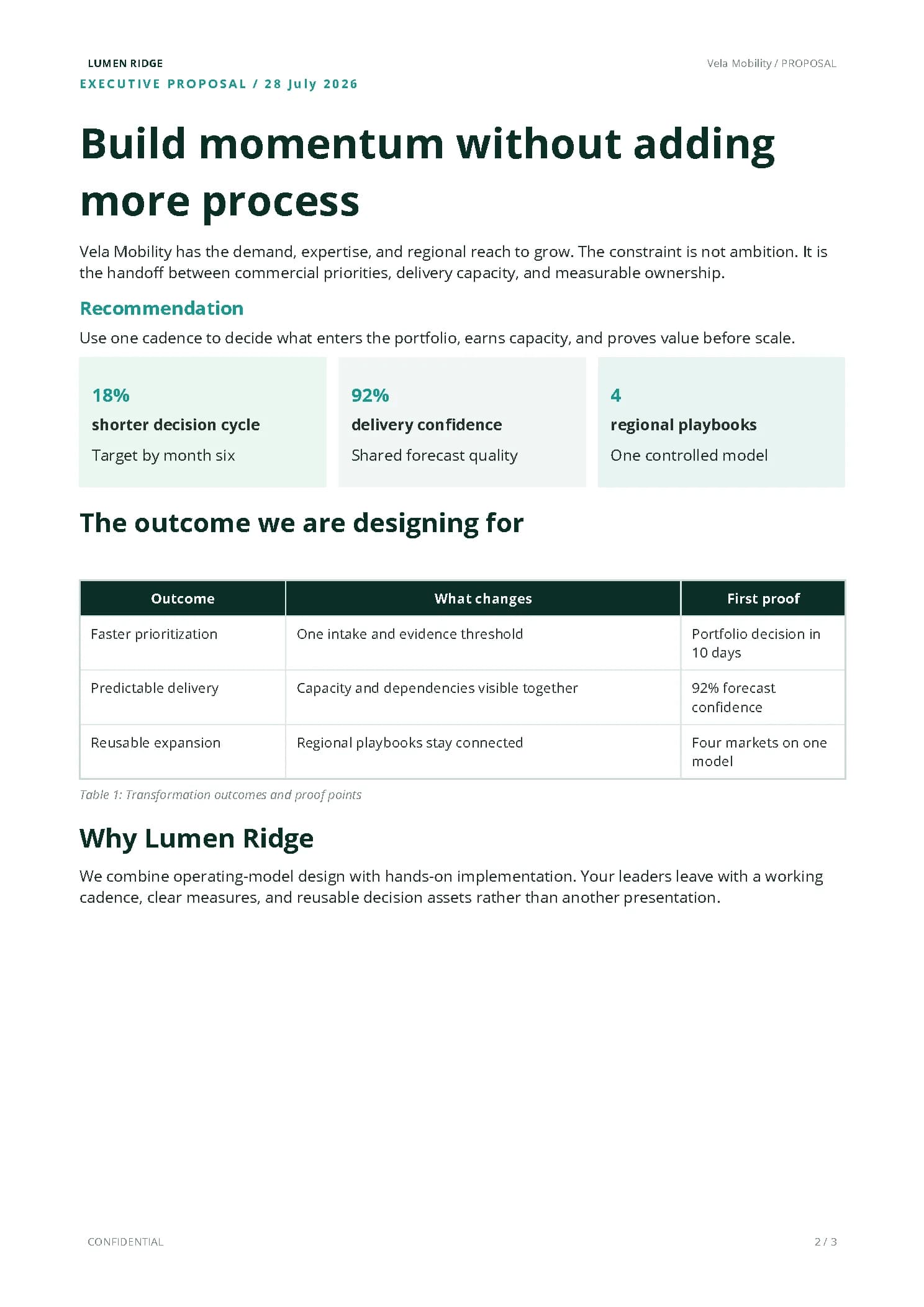
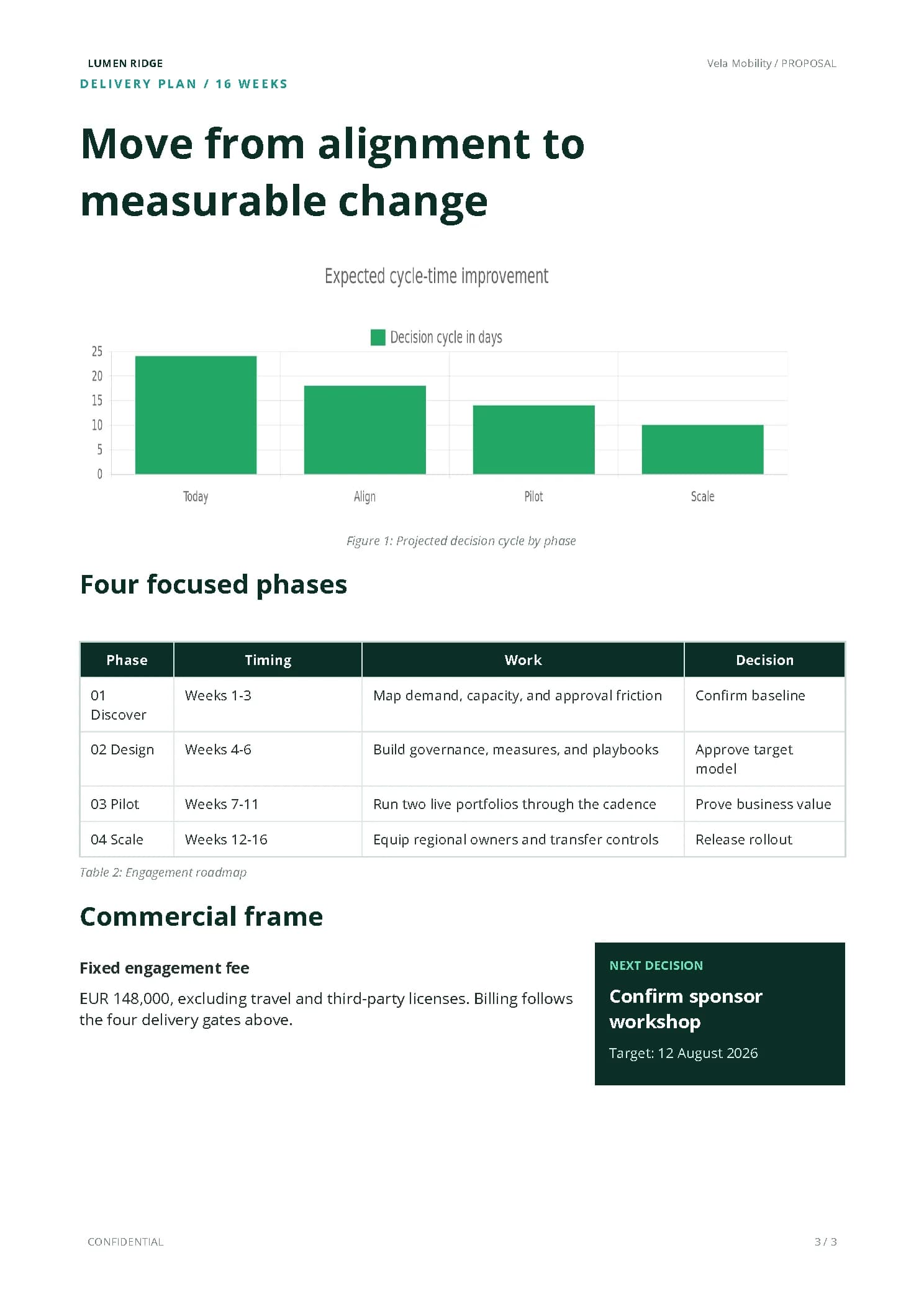
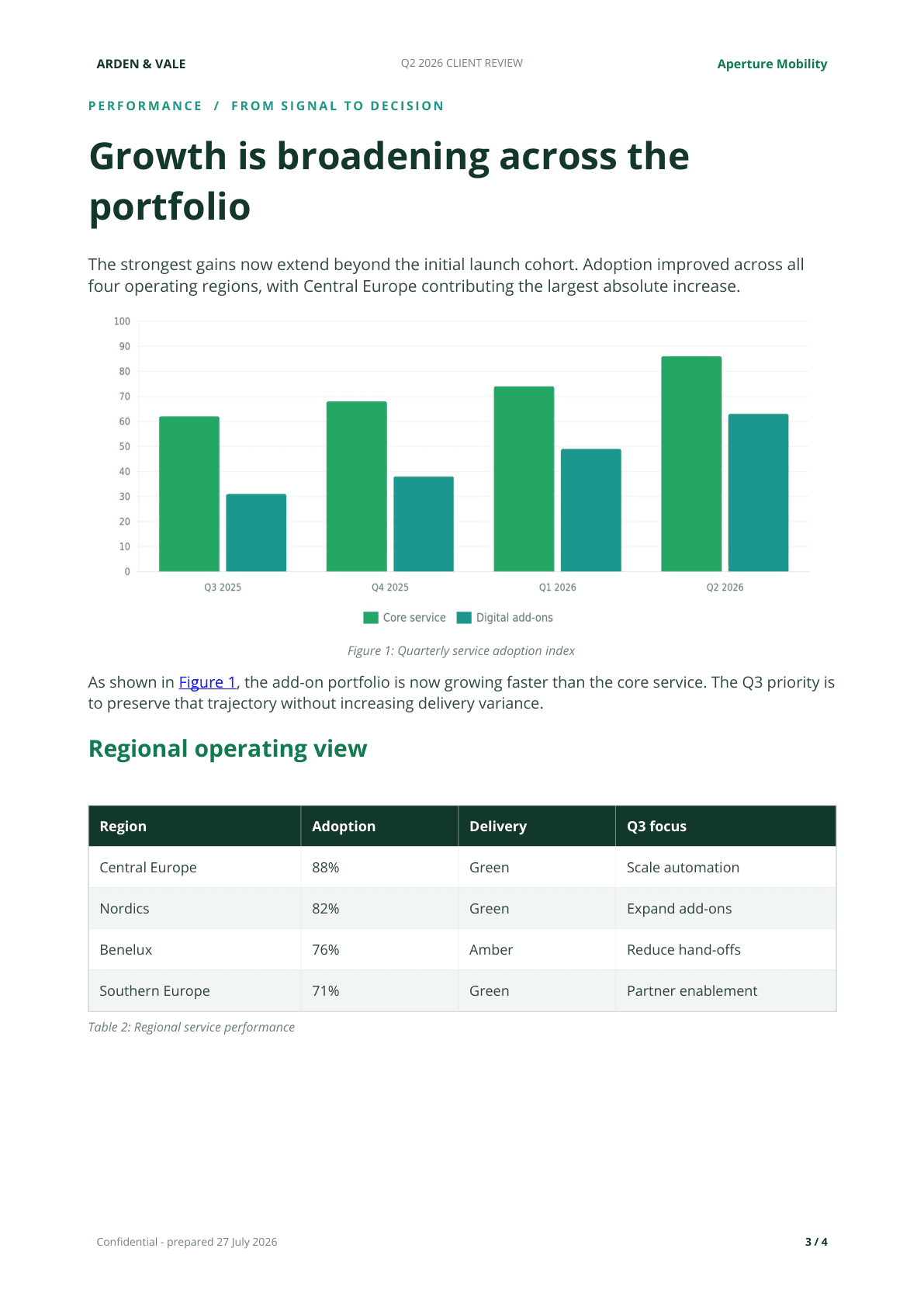
Four examples from more than 40 document and PDF operations
No-code first. Developer-ready when you need it.
Start visually in n8n or Make, connect an AI agent through MCP, or call the REST API directly. Every route reaches the same document engine and the same output quality.
Build self-hosted document workflows with 40+ Autype operations.
Turn app events and business data into finished documents visually.

Let compatible AI agents create, validate, and deliver documents.
Connect any backend through standard HTTP and the OpenAPI spec.
From one request to a real document
Pass the content, changing data, style preset, and output profile. The engine validates the source, renders asynchronously, and returns a trackable job instead of another browser or layout stack to maintain.
curl -X POST \
  https://api.autype.com/api/v1/dev/render/markdown \
  -H "X-API-Key: $AUTYPE_API_KEY" \
  -H "Content-Type: application/json" \
  -d '{
    "content": "# Q2 client review\n\nRevenue grew by {{growth}}%.",
    "document": {
      "type": "pdf",
      "size": "A4",
      "title": "Q2 client review"
    },
    "variables": { "growth": 14.8 },
    "stylePresetId": "brand_2026",
    "pdfProfile": "pdfa-2b",
    "webhook": {
      "webhookUrl": "https://example.com/render-ready"
    }
  }'
A full document format built for automation
Extended Markdown stays readable for people and AI. JSON provides exact structural control for systems. Both resolve into one validated document model, so approved layout rules can be applied consistently without a manual layout review for every file.
# Quarterly review
Revenue grew by {{growth}}.
:::chart{data="revenue"}
:::reference{target="fig-growth"}
No package tree, compile log, or ambiguous workaround between content and output.
Requests stay compact enough for APIs, no-code tools, and AI agents to handle reliably.
Pages still retain references, captions, tables, forms, headers, and output profiles.
Keep the request small
Store approved styles, templates, blocks, and records once. Each job can stay focused on the customer, event, or data that makes this document different.
Change the payload without rebuilding the document system around it.
Beyond placeholder filling
Autype keeps the document semantics and layout controls needed for reports, contracts, forms, research, policies, and technical publications.
Fill text, images, lists, and tables from variables or records, then generate whole batches from CSV, Excel, or JSON.
Let the engine maintain numbering and publishing structure while the source changes.
Render charts, diagrams, equations, multi-column layouts, orientation changes, and interactive PDF fields.
One style ID instead of a layout payload
Resolve one organization style preset during rendering instead of rebuilding typography, spacing, headers, footers, tables, and chart defaults in every request.
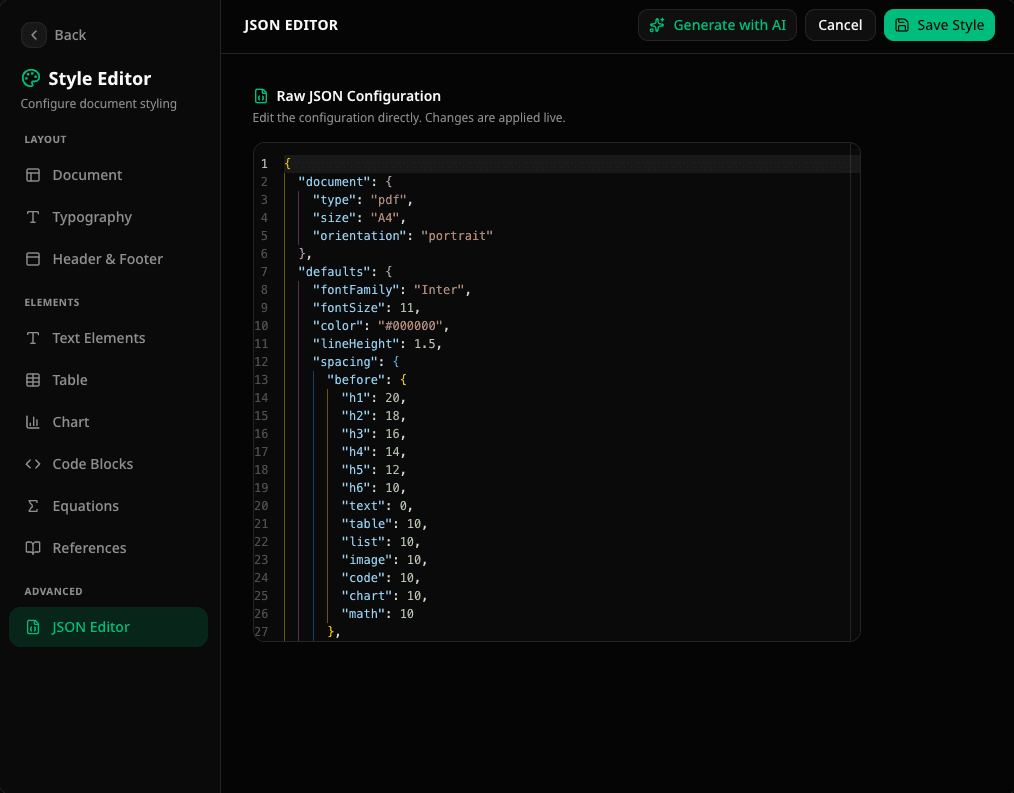
Style presets can be edited visually or as JSON and reused by ID.
Reliability before the download
Validate source and export readiness first, then track the render through explicit job states and authenticated webhooks.
Catch invalid syntax, anchors, references, citations, and abbreviations early.
Inspect metadata, heading order, image descriptions, and table headers without consuming render credits.
Use job status endpoints or receive completion and failure events through authenticated webhooks.
API keys, documents, styles, blocks, and records remain scoped to their organization.
Delivery formats and document operations
Create office, archival, accessible, and image output from one source. Then handle the common PDF work without adding another service.
PDF profiles preserve profile metadata and tagging safeguards, but they do not replace source-quality checks or an independent specialist validator for regulated workflows. Standard PDF remains the right choice when recipients must complete interactive fields.
Document Engine FAQ
Short answers about authoring formats, jobs, reusable resources, AI agents, bulk generation, and delivery profiles.
No. Autype works with a structured document model rather than treating each page as a browser screenshot. That lets the engine retain document concepts such as headings, page sections, references, captions, form fields, headers, and output profiles.
Use Extended Markdown plus compact metadata for most applications and AI agents. It is readable, token-efficient, and losslessly converted to the internal model. Use full JSON when you need direct control over every structural and styling property.
Yes. Reference organization style presets with stylePresetId, use reusable blocks for centrally maintained sections, and use records for version-aware data sets. Your request can stay focused on the content that actually changes.
Render requests return a job ID. Your application can poll the status endpoint or provide an authenticated webhook configuration to receive completion and failure events.
Yes. Submit variable sets directly or upload CSV, Excel, or JSON. Autype processes the batch asynchronously and provides a ZIP of completed files, plus status and failure information.
MCP-compatible agents can work with documents, Extended Markdown, styles, reusable blocks, records, validation, and rendering through focused tools. The same engine then produces the final files. See how Autype works with AI.
Render requests can select PDF/A-1b, PDF/A-2b, PDF/A-3b, or PDF/UA-1 in addition to standard PDF. Source semantics and metadata still matter, and the profiles are a technical safeguard rather than an independent legal certification.
Autype stores and processes customer data on secured infrastructure within the European Union. API keys and resources are scoped to their organization.
Give your application a document engine that understands content, structure, brand rules, validation, jobs, and delivery formats from the start.
REST, MCP, n8n, Make, and bulk workflows use the same document system.